Writing proofs with circles
An introductory task for circles
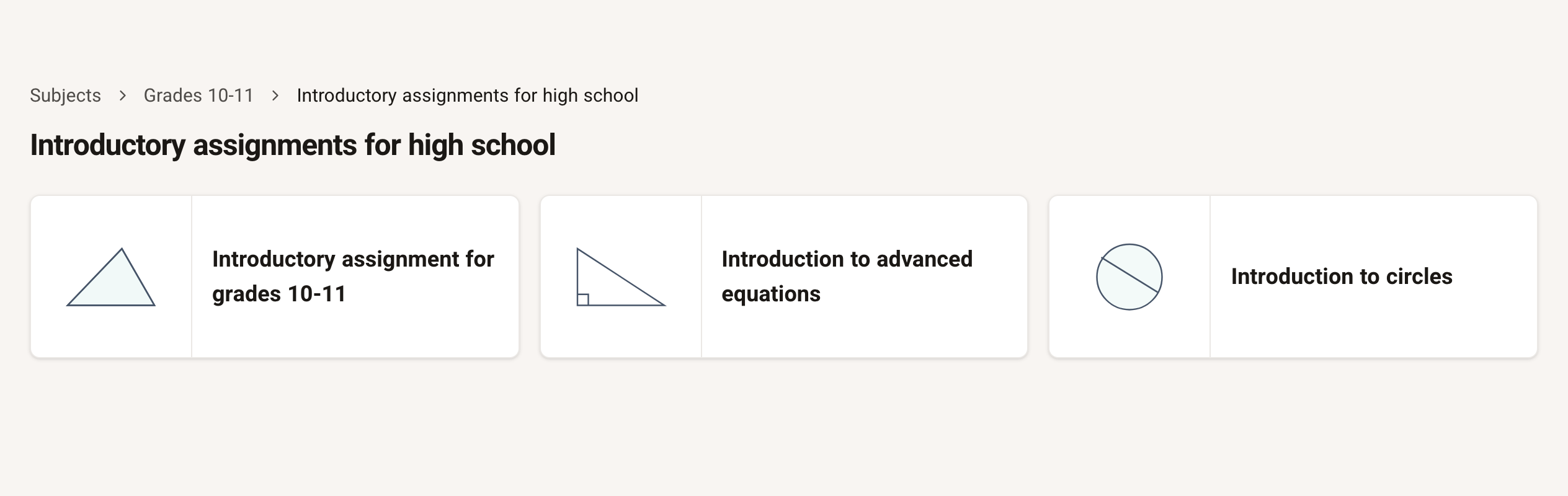
To practise the features of the interface that are special to circles, there is a dedicated introductory task in the system. Each question in the task covers a specific skill in using the interface, and needs different geometry theorems. Solve the questions in the task according to what you have already learned. The task is under Subjects / Grades 10-11 / Introductory assignments for high school / Introduction to circles
Links to sample solutions for the questions in the task
| Topic | Question | Solution |
|---|---|---|
| 3 ways to solve | #405 | Solution 1 to question #405 Solution 2 to question #405 Solution 3 to question #405 |
| Arcs in a circle | #728 | Sample solution to question #728 |
| Two circles | #652 | Sample solution to question #652 |
| Quadrilateral inscribed in a circle | #1395 | Sample solution to question #1395 |
One circle or several
In questions with circles, the list of elements for writing a statement shows "Circle I", "Circle II" and so on.
If you're not sure which circle is which, write a statement with one of them and hover over the statement: the chosen circle is highlighted in the diagram.
Arcs
Statements list all the arcs; a major arc (more than 180 degrees) shows a prime mark beside its second letter. Write numeric arc sizes in degrees.
The centre of a circle
In the Select statement type window, under the Points topic, the options include:
Centre of a circle ("is centre of"), then choose the matching circle.
Circumcentre, then choose the matching polygon.
Incentre, then choose the matching polygon.
Tangents
Under the Circles topic you can choose Tangent — a segment tangent to a circle — then choose the segment and the matching circle.
You can also choose Tangent Circles — a circle tangent to another circle — then choose both circles.
Circumscribed and inscribed circles
Under the Circles topic, in Inscribed and Circumscribed Circle, you can choose Triangle Inscribed in a Circle, Quadrilateral Inscribed in a Circle or Circle Inscribed in a Quadrilateral, then choose the matching polygon and circle.
Under the Quadrilaterals topic, in Properties of Quadrilaterals, there are 2 more options: Cyclic Quadrilateral — you don't need to choose a circle to complete the statement. To use the properties of the new circle, you must construct a circle as an auxiliary construction. Tangential Quadrilateral — you don't need to choose a circle to complete the statement. To use the properties of the new circle, you must construct a circle as an auxiliary construction.