Intro tasks
You can add the intro tasks like any other task - from the task list or from the subjects.
The intro tasks
There are 5 intro tasks in the system:
3 basic tasks:
- Grade 7 - rectangles, perpendicular and parallel lines - link to assign the task to a class
- Grades 8–9 - congruence, the angle sum in a triangle - link to assign the task to a class
- Grades 10–11 - congruence, proving a parallelogram - link to assign the task to a class
2 advanced tasks:
- Advanced equations - equations with powers, proportion, marking an area with a parameter - link to assign the task to a class
- Circles - calculations with arcs, two circles, a circle as an auxiliary construction - link to assign the task to a class
Why solving the intro tasks matters
The intro tasks were chosen to let students try a range of the ways the system can be used. In our experience, solving the intro tasks to an excellent solution is the best starting point for learning with the system. Every question in the system points to the help center, but in the intro questions it points to help focused on that question rather than general help on solving questions. The (Walkthrough) link appears beside the question's name.
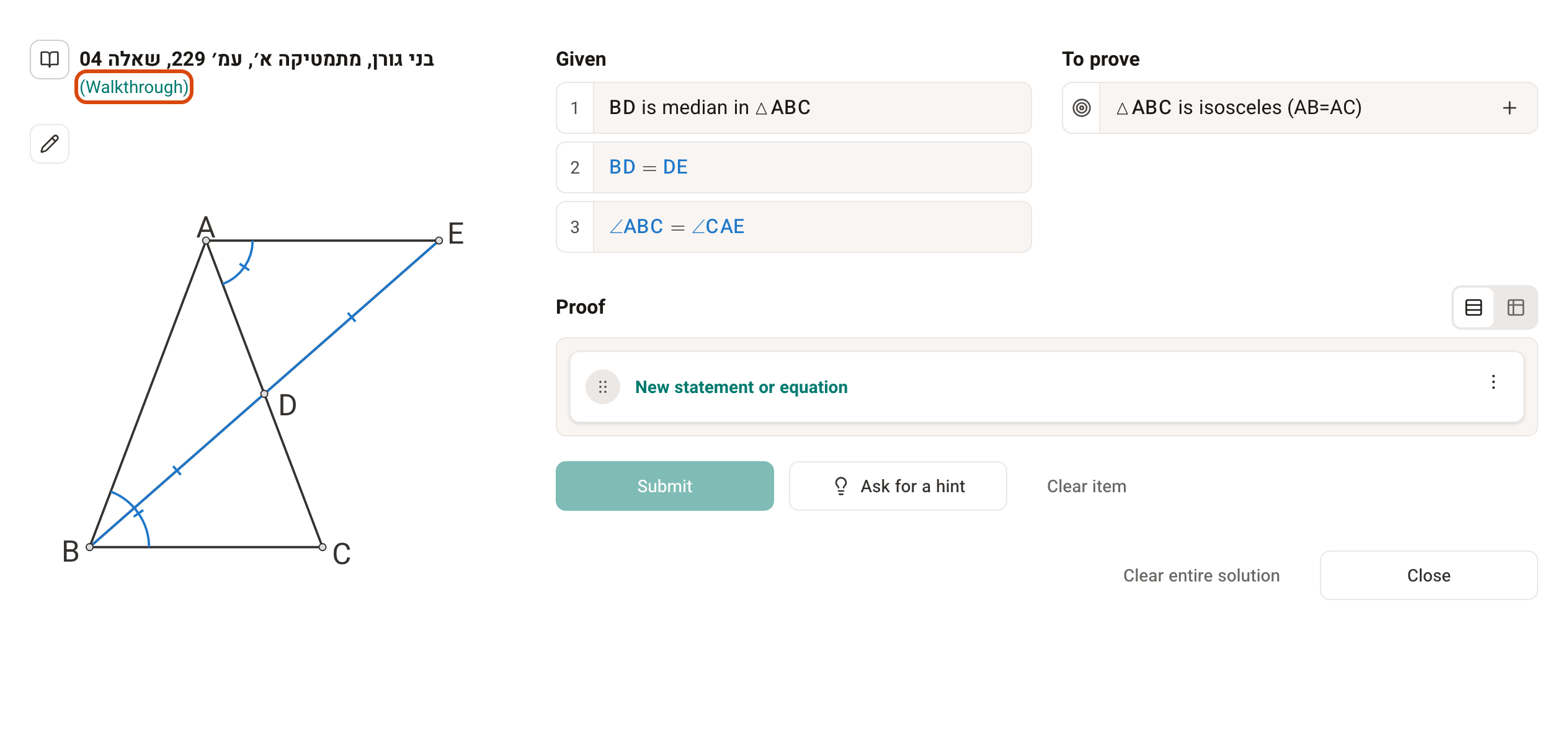
Assigning a basic intro task to a class
The matching basic intro task is assigned to every new class created in the system. You can replace it with another task, for example give a grade 9 class that has already learned to prove a parallelogram the intro task for grades 10–11.
You assign the intro tasks to a class the same way as any other task. Explanations on the creating and managing tasks page.
Advanced tasks
These tasks teach advanced skills for working with FullProof. Each question adds a different skill and covers further geometry topics. They aren't assigned to a class automatically, there's no need to solve them when starting out with the system, and there's no value in solving the task as a whole. The recommended way to use them is to take questions from them as needed, as first questions in a new topic.