Solving the introductory task
If you couldn't sign in to your account because you forgot your username or password, contact your teacher;
don't open another account!
FullProof is a system for writing geometry proofs. Instead of writing in a notebook, you write proofs in the app, on a computer, tablet or phone. FullProof helps you build the solution, checks the complete solution and shows you how to fix it if needed. Once you get used to working with it, writing proofs is quick and easy, the hints let you keep moving, and the immediate check lets you reach complete, correct solutions. Teachers and students who work with the system steadily over time see a significant improvement in students' results.
Solving the introductory task
Every FullProof user should start by solving the introductory task in full. You'll find it on the My tasks page. The introductory task is made of 3 questions that are fairly simple geometrically, designed to teach you how to write a proof in the system. There are different versions of the introductory task, depending on the grade. After the task you can go on to solve questions by the subjects you are studying and at the difficulty level that suits you.
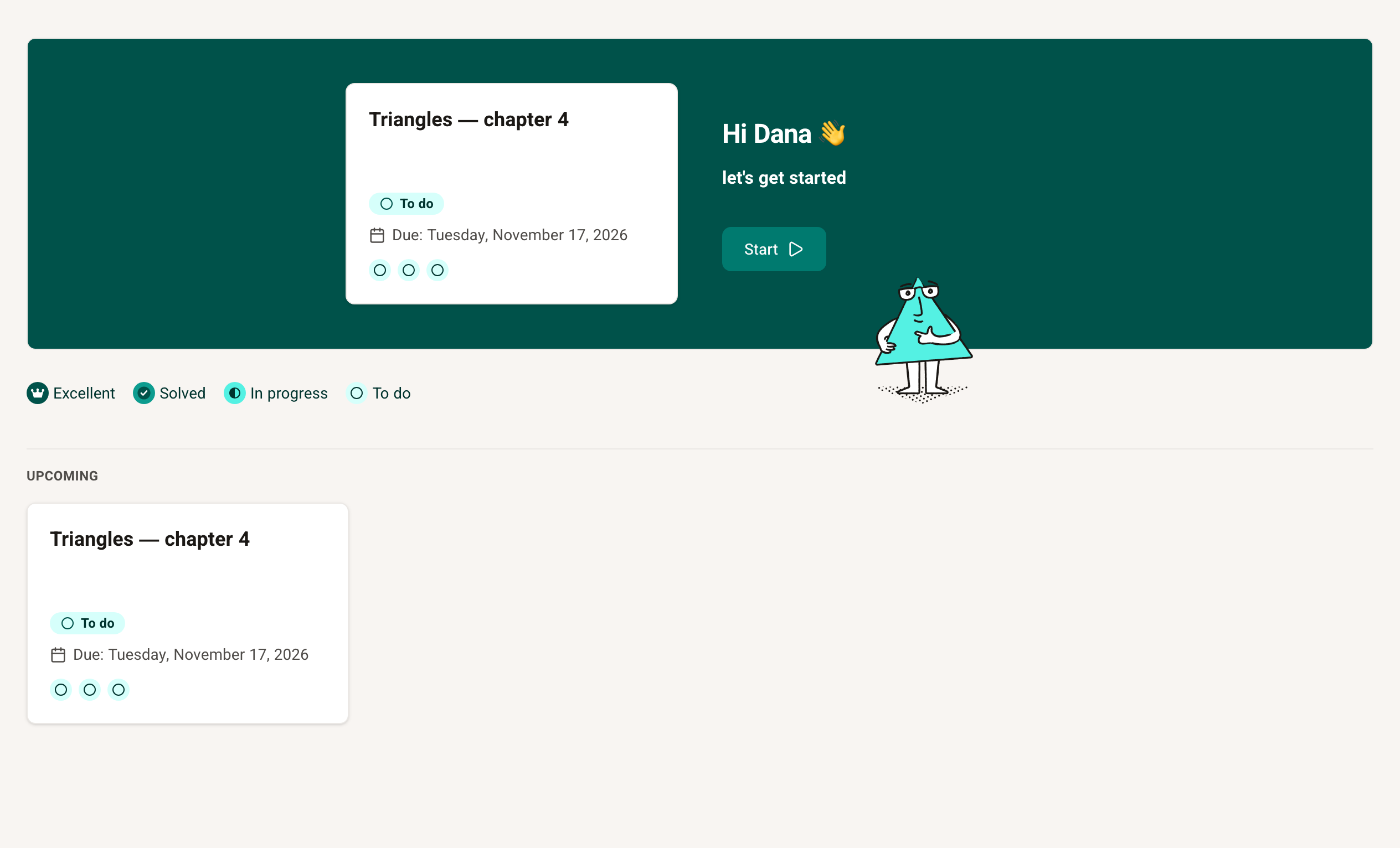
Solving the introductory task until all the proofs are correct and complete matters for your work with the system afterwards — don't skip it.
Solving questions in FullProof
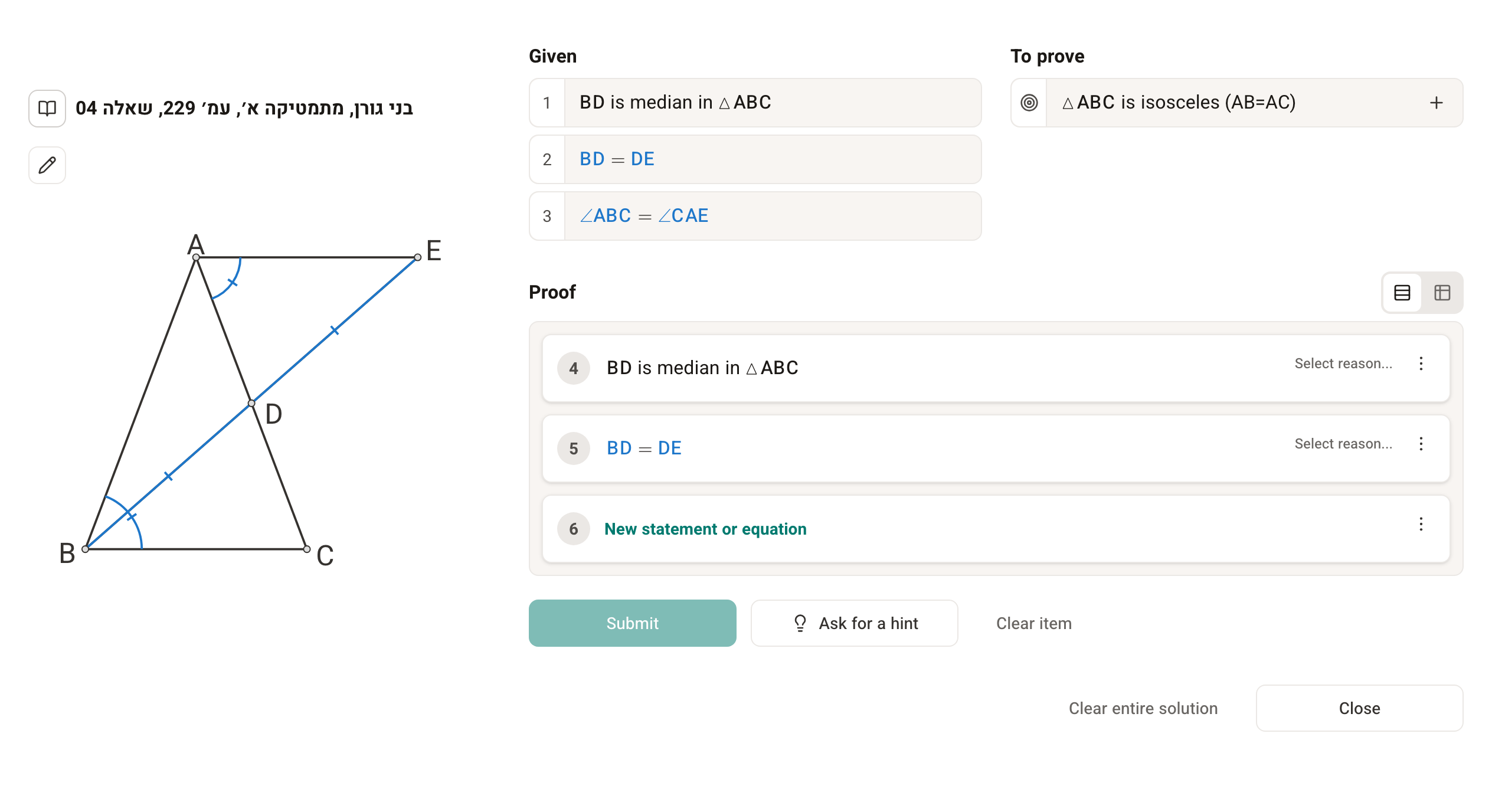

From every question you can get help with solving it, by clicking the question mark (Help) in the top bar. For the introductory questions, this help explains step by step how to solve the question.
The most effective way to make progress is to fix what the system points out until every item is rated Excellent. If you don't understand the system's comments, you can get help. General and detailed explanations of writing proofs in the system are on these pages:
- The proof screen
- Adding statements and reasons to a proof
- Adding statements from the diagram
- What is the difference between a statement and an equation
- The equation editor
- Using markings
And of course you can ask your teacher or friends for help, as with any difficulty in your schoolwork.
Carrying on in the system
Once you have finished the introductory task you can start working. Your teacher can send you tasks, and they will appear on the My tasks page. Under Subjects are tasks built by the FullProof team, with the recommended questions in each subject. Under Textbooks are all the questions in the system, sorted by the chapters and sections of the textbooks. There you'll also find questions from the Ministry supervisor's (Mafmar) exams, Bagrut exams and theorem proofs.
More help
Here in the Help Center there are many more articles that can help you learn the system and solve technical problems. Look in the side menu, in the First steps and Frequently asked questions categories.