Adding statements and reasons to a proof
In FullProof you can add statements to a proof in 4 ways:
- Adding information to the diagram
- In the proof, with New statement or equation and choosing a statement or an equation
- Adding the target row with the +
- An auxiliary construction — when you add the construction to the diagram, the system adds the matching row to the proof.
Adding reasons to a proof
You can add reasons to a proof in two ways:
- Opening the full list.
- Searching by keywords.
Opening the list of reasons
Click Select reason... in the step you want to add a reason to. A window opens where you can open the full list or type a search word.
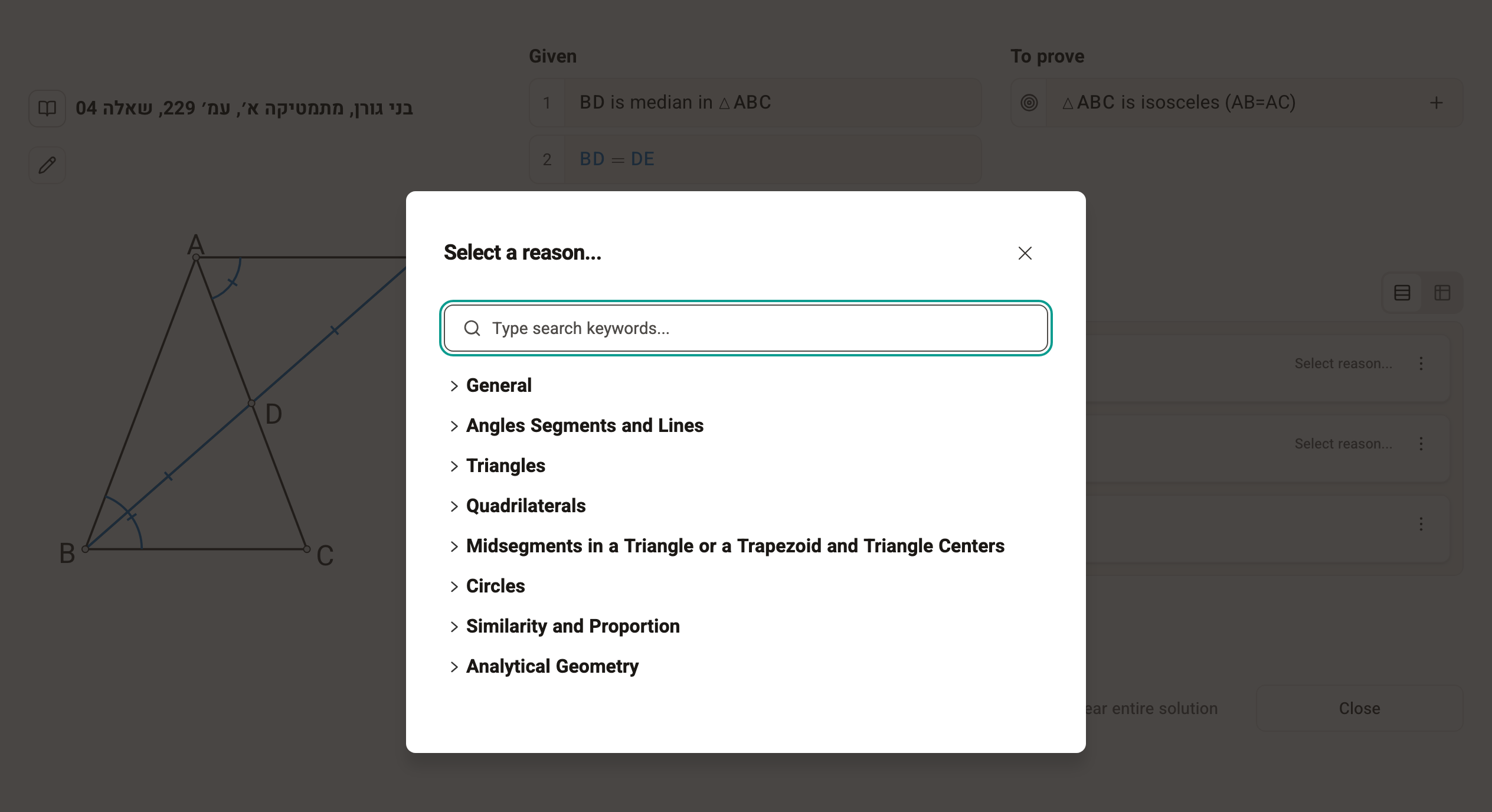
Choosing a reason from the full list
The full list holds almost 300 reasons, including all the theorems the Ministry of Education approves for use. It is sorted by topics and subtopics so that you can find the right theorem easily.
Finding a reason by keyword
Type a search word in the Type search keywords... field. The search also finds other forms of the same word. If you can't find the theorem you're looking for, try the full list.
Adding supporting statements
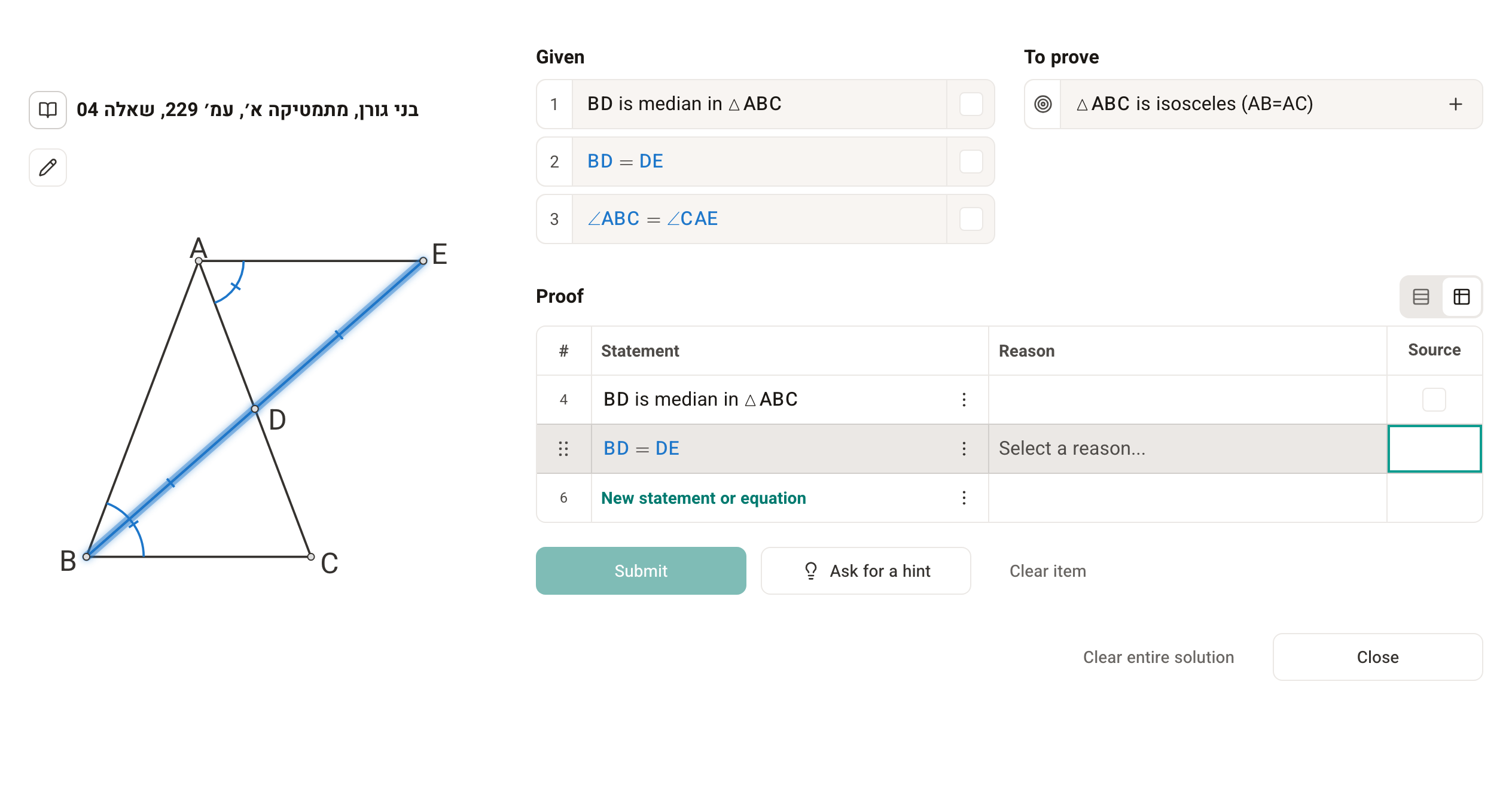
Adding supporting statements is optional, but it helps you learn. In Table view they go in the By statements column. You can add them with the mouse (the checkboxes beside the givens and steps) or the keyboard (the step numbers). You can also add statements from the givens and from earlier items of the question.