Questions with several items
In FullProof each item leads to a single final result, so a question is sometimes divided into items differently from the original question. When you start solving, it is important to check which target was set for the item you are solving.
For example, in a question where one item has several goals, each goal is a separate item in the system.
After you submit each item you get feedback, with a button to fix the proof according to the system's feedback (for example Fix the proof) and a Next item button to move on. All the givens and statements of the previous item appear, and you can refer to them in the supporting statements, but to edit a previous item you must click the Return to this item button.
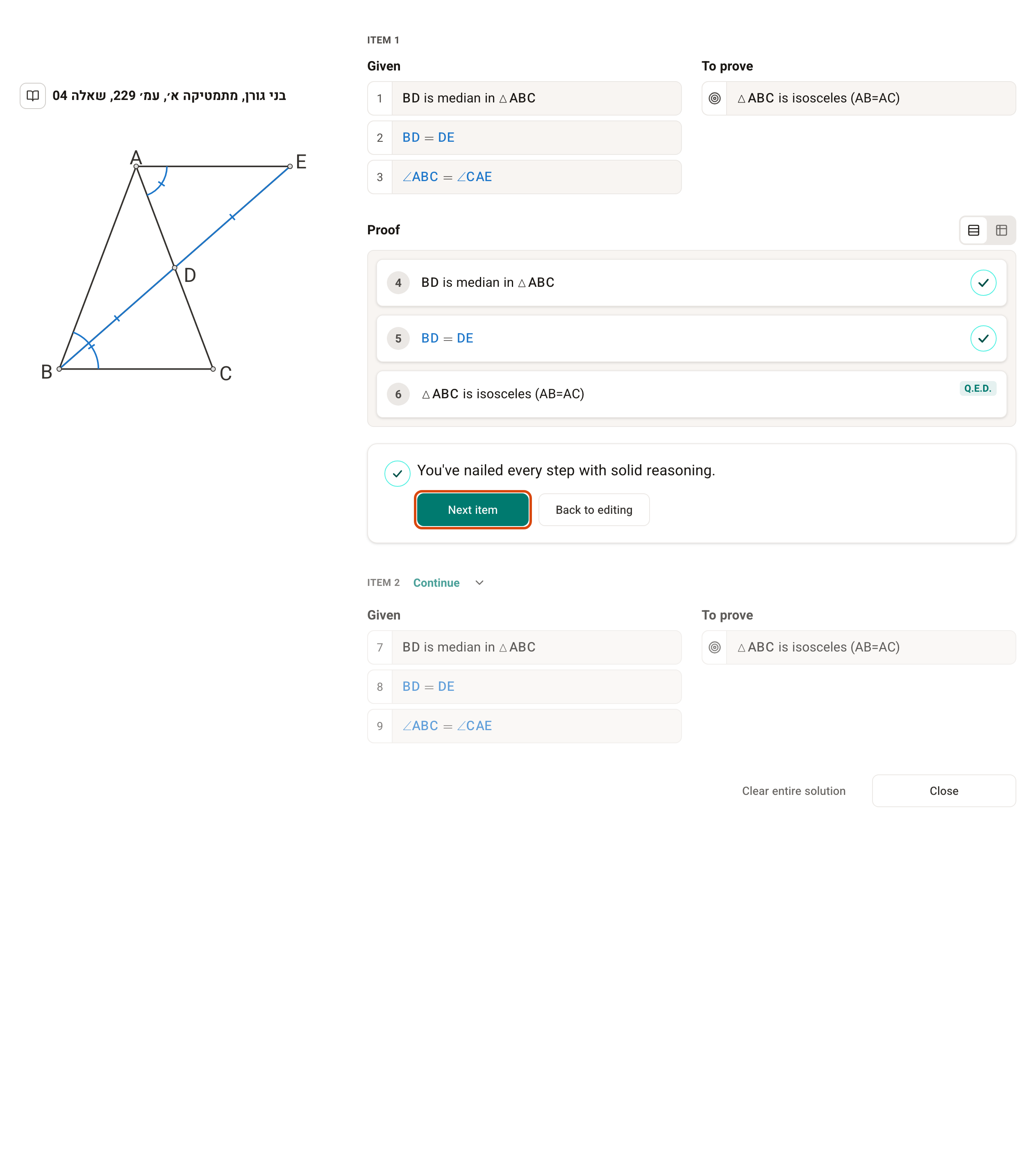
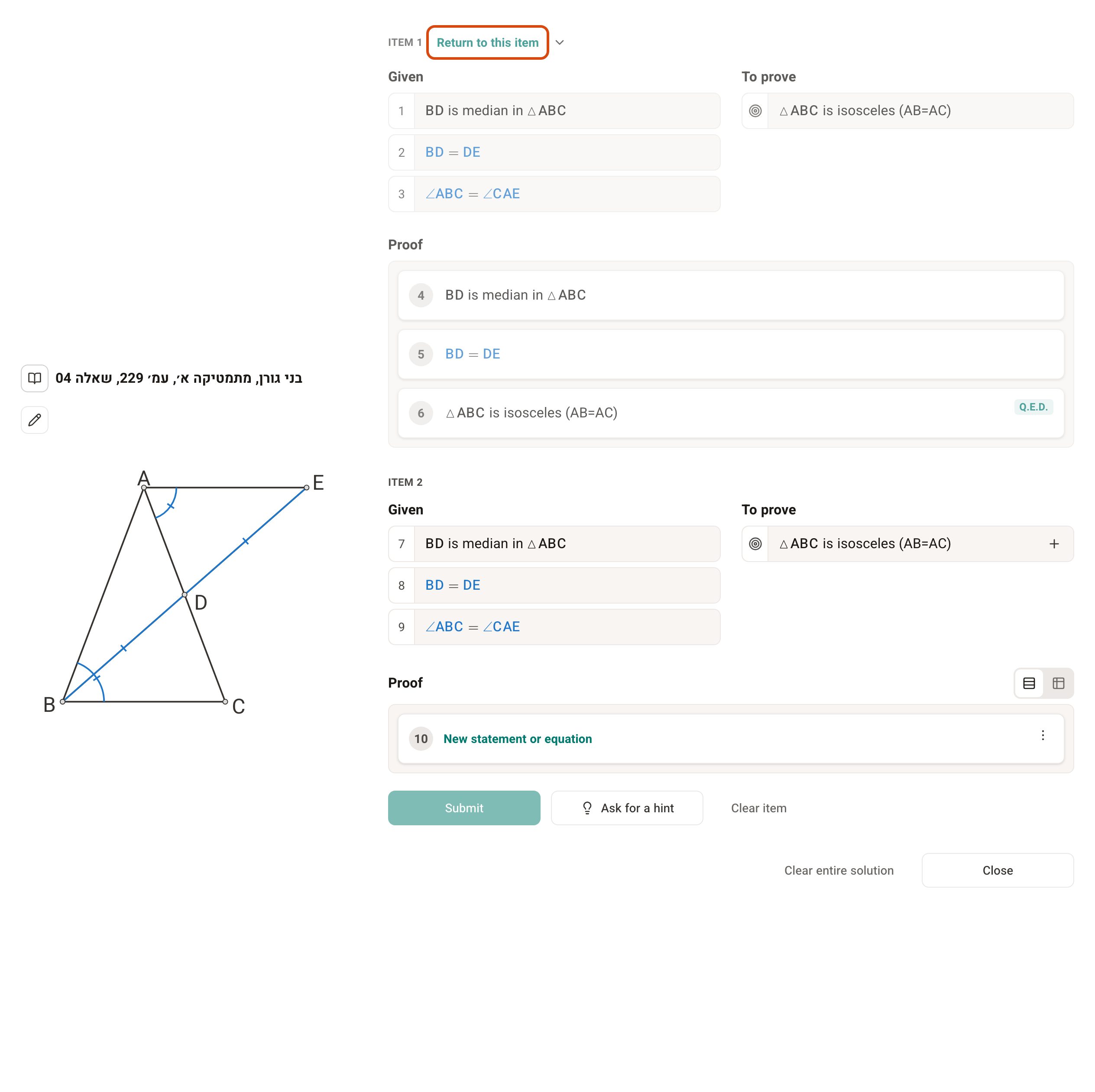
You must complete and submit the previous items before you move on to the next one, because each item is checked on the information in the item before it. But you don't have to fix every mistake in the previous items — you can move on with Continue anyway.