The proof screen
The proof screen is the main screen for students' work in FullProof. On this screen you write the proof and submit it to be checked.
The Adding statements and reasons to a proof page describes the ways you can write the proof itself.
The screenshots below show what the proof screen looks like at different stages of the work.
Before you start writing the proof
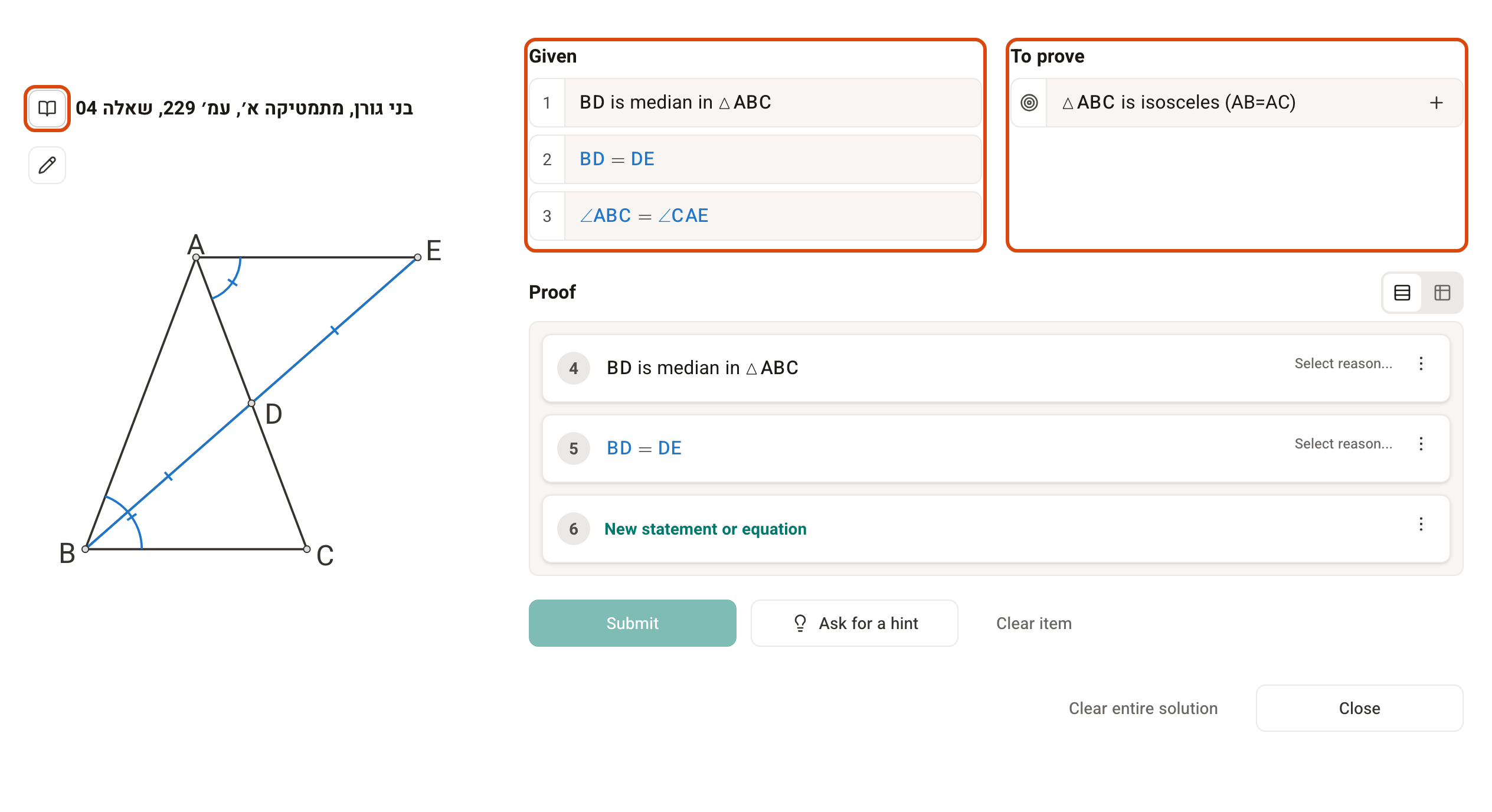
The givens and the target are generated automatically from the question. If the items in the Original question image are divided differently from the items on the screen, solve according to the screen. Clicking the question mark (Help) in the top bar opens the help page for this question.
After asking for a hint
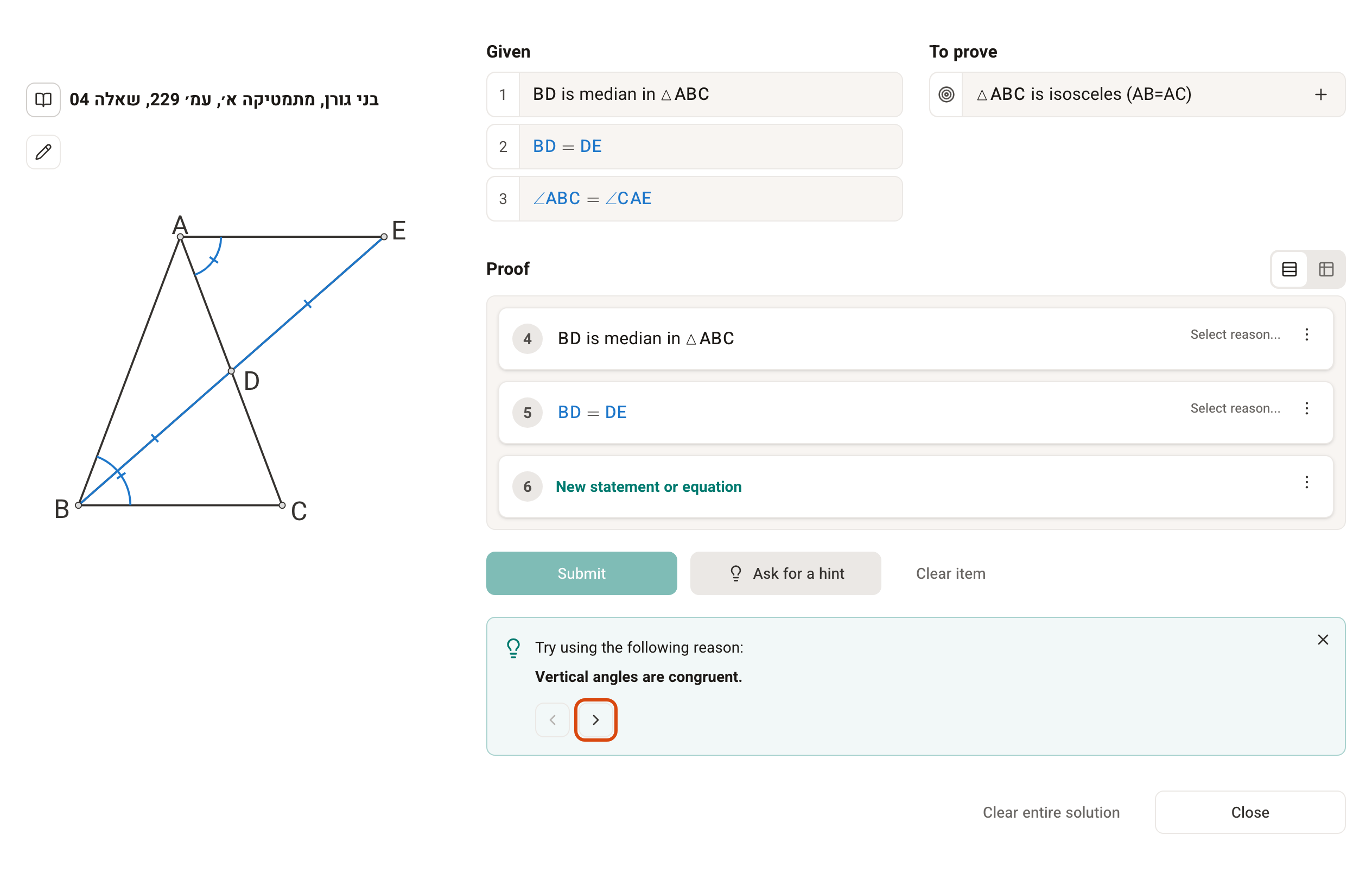
The hints are tailored to the solution steps you have already written. The system tries to point you to the shortest solution that uses the steps you have already written.
After writing part of the solution
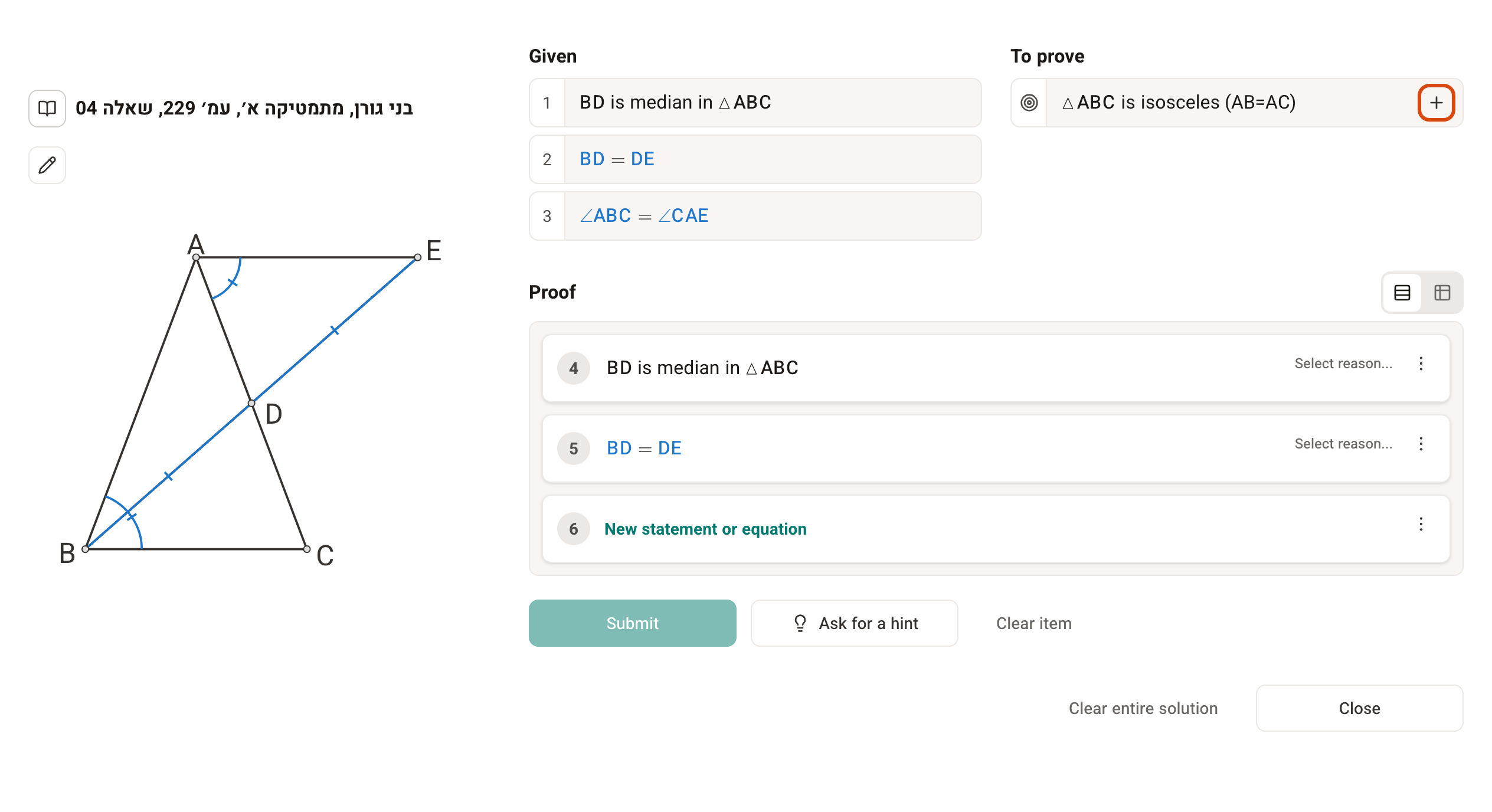
You can add the last step easily with the + (Add to proof) beside the target, but you can also write it yourself.
After adding the statement you need to prove
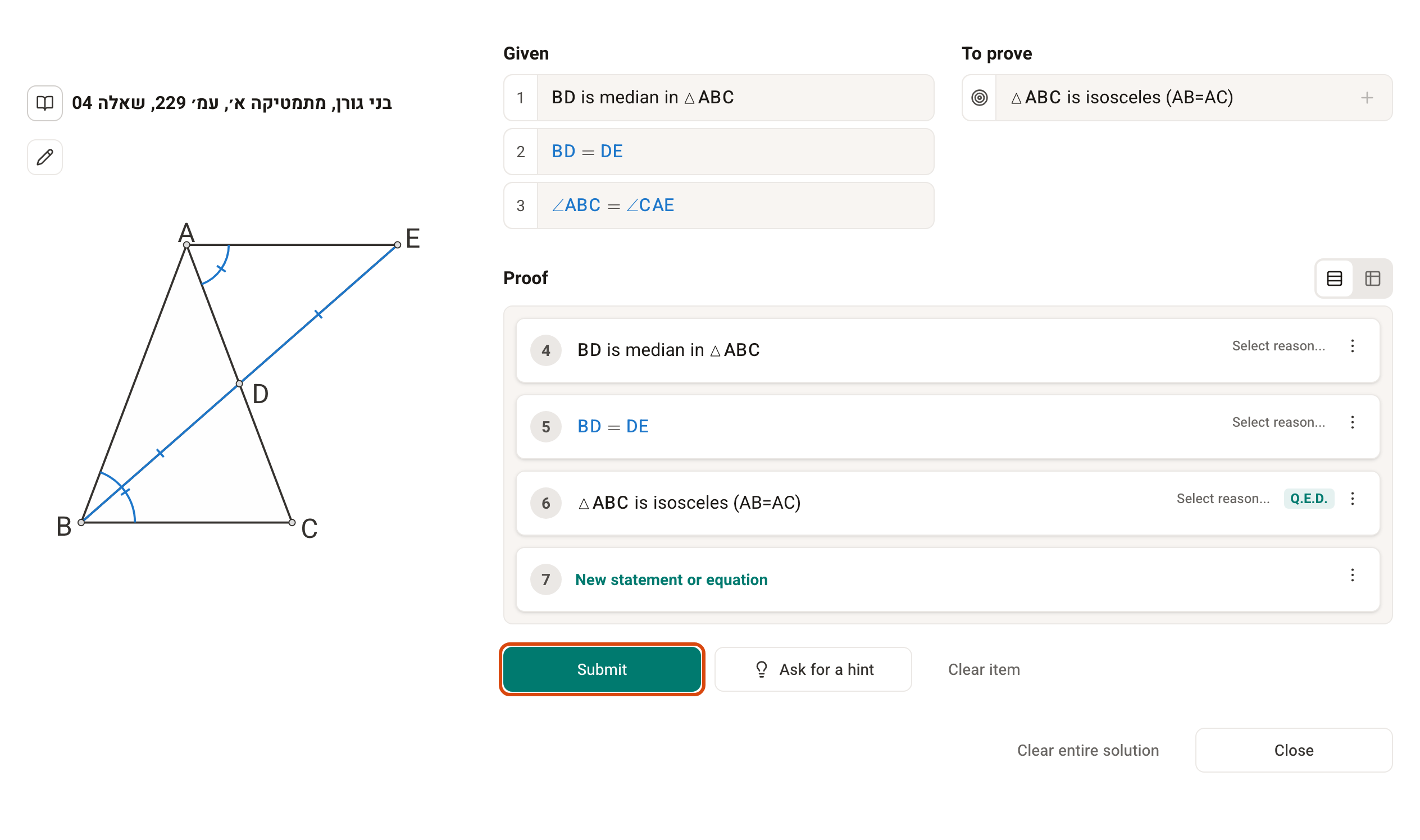
You cannot submit the solution before you add the statement you need to prove. In some steps you have to complete the statement before submitting.
After adding a reason and supporting statements to the last step
The system lets you submit without a reason for the last step, but if a reason is needed, it is worth adding it before you submit.
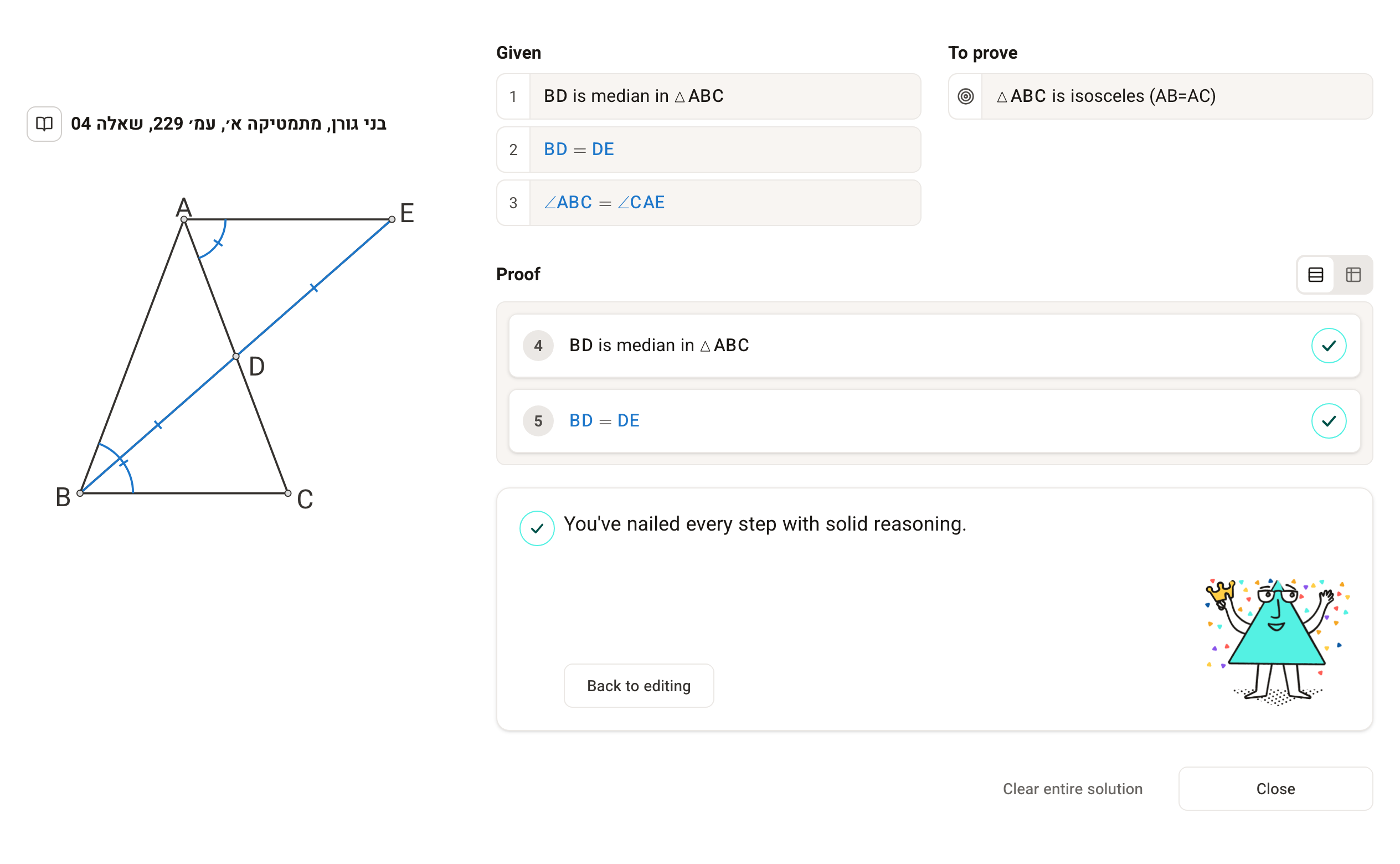
After submitting
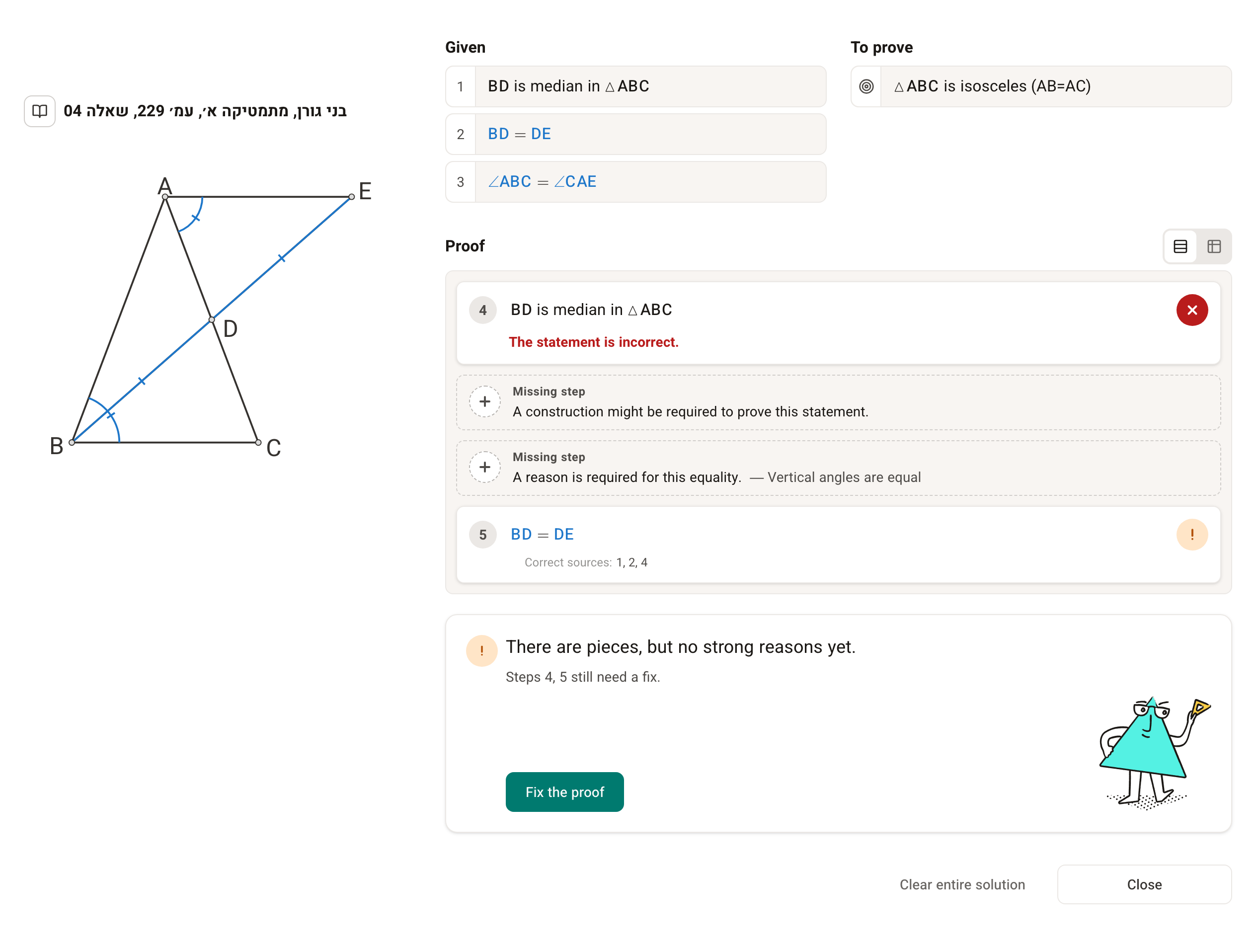
The system has an advanced mechanism for checking the proof and suggesting how to fix the solution. To learn effectively, fix the solution according to the system's feedback until every step gets a green ✓ and the summary below the proof is marked with a ✓ too.
You can find general and detailed explanations about writing proofs in the system on these pages (in Hebrew):